Your dashboard, your grid
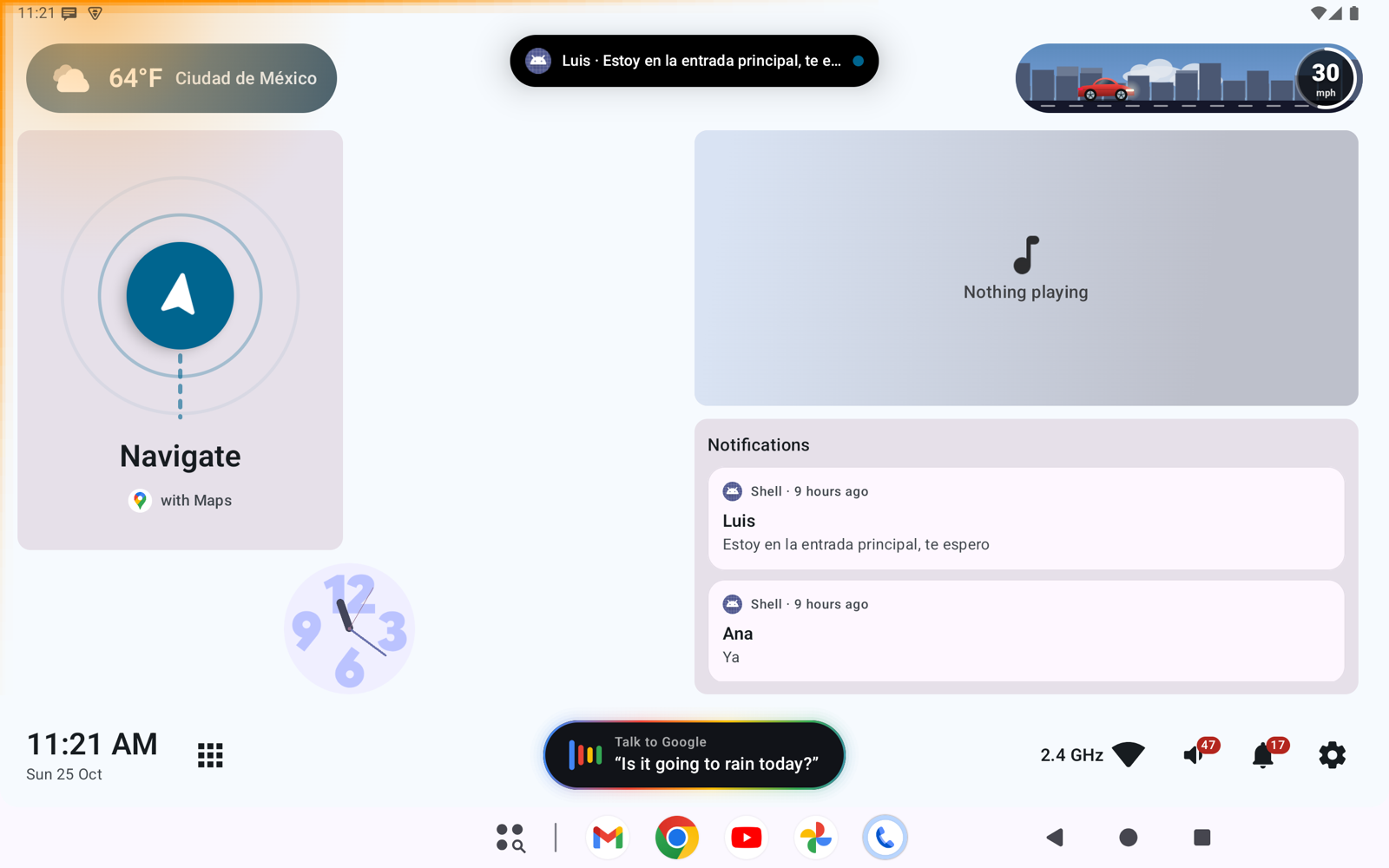
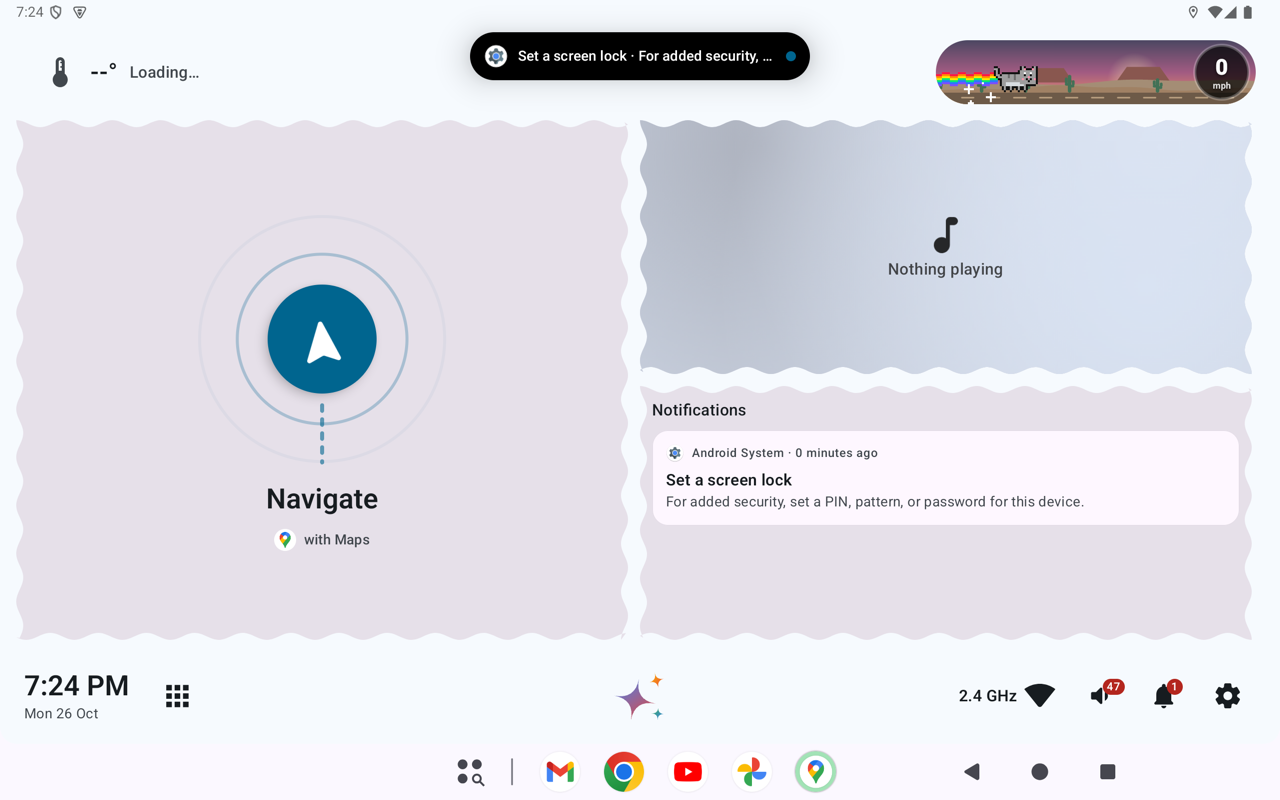
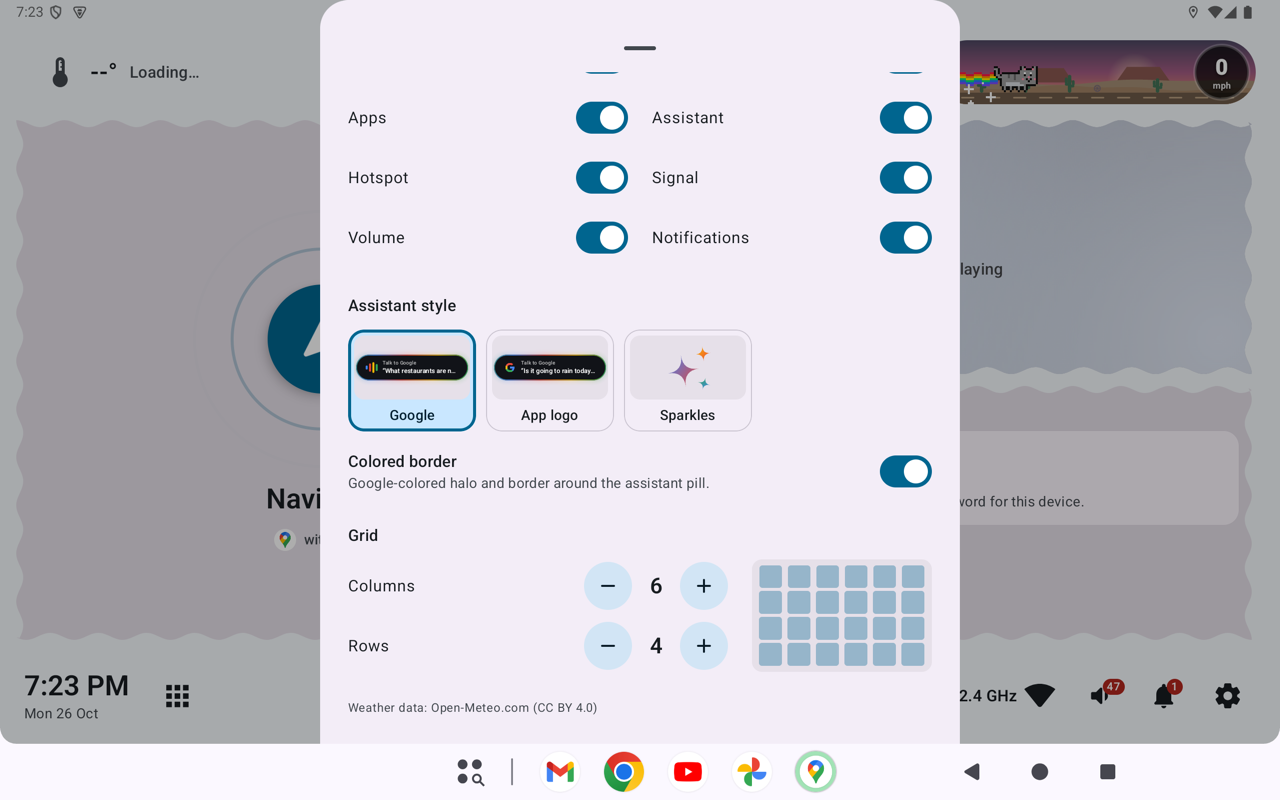
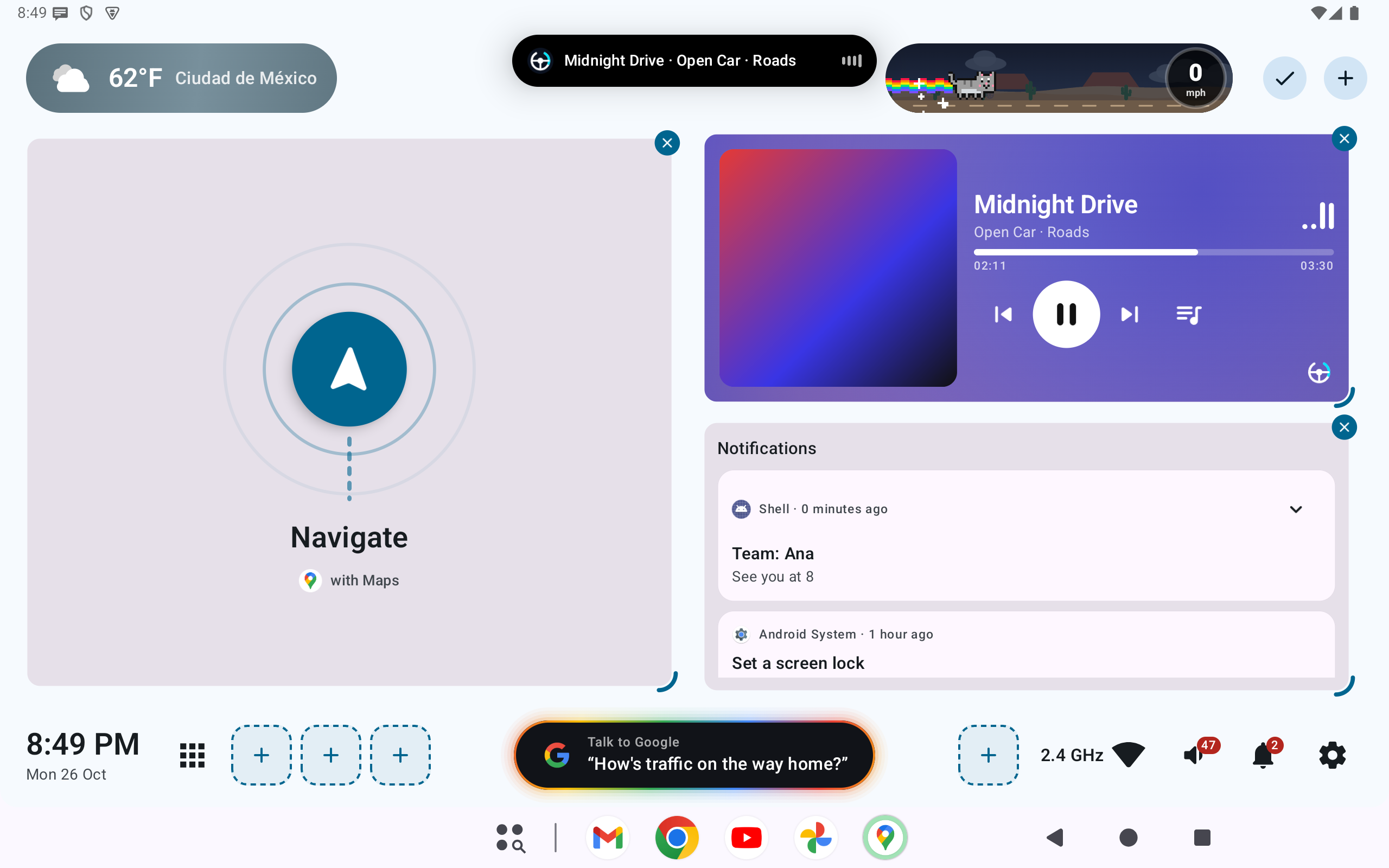
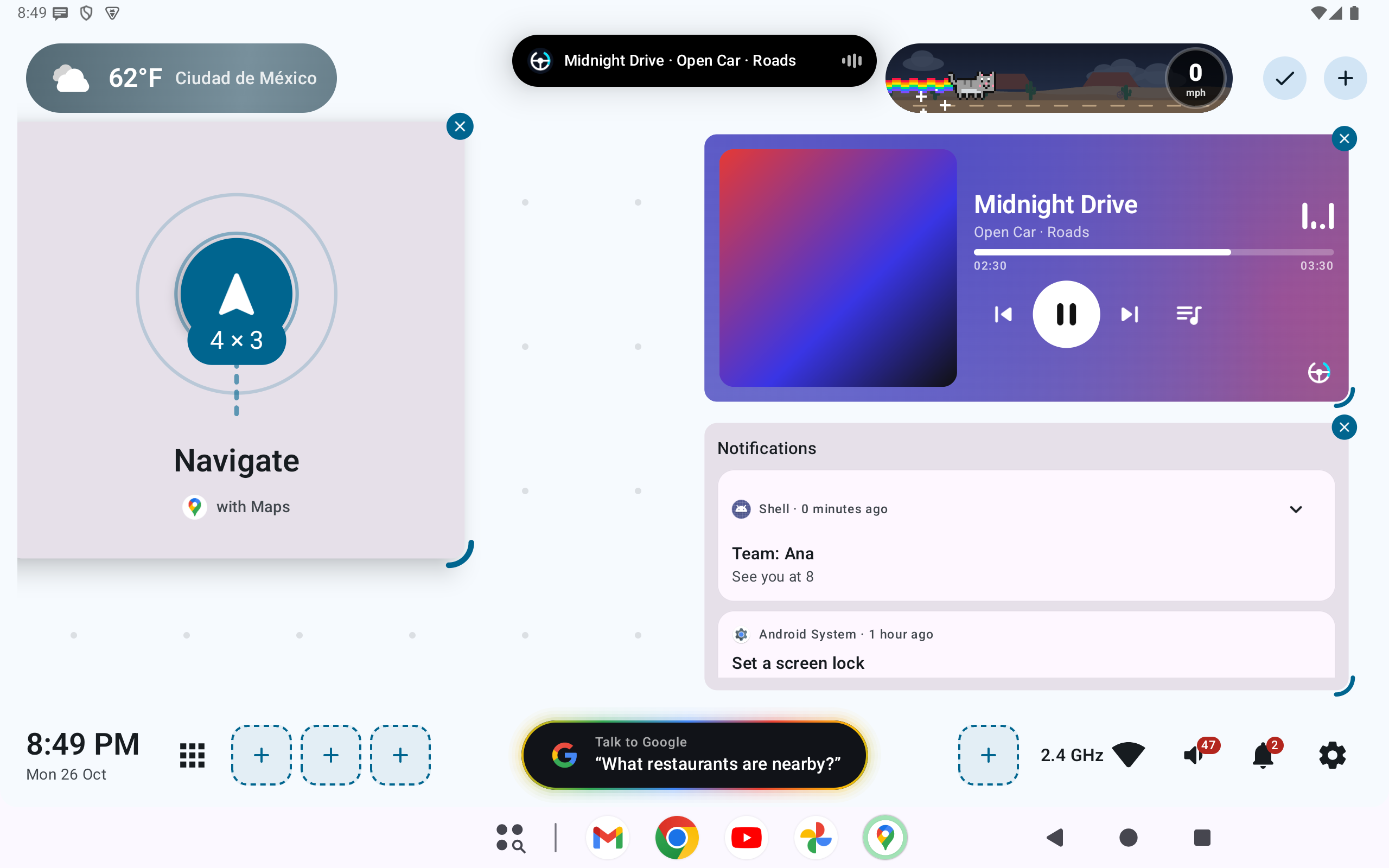
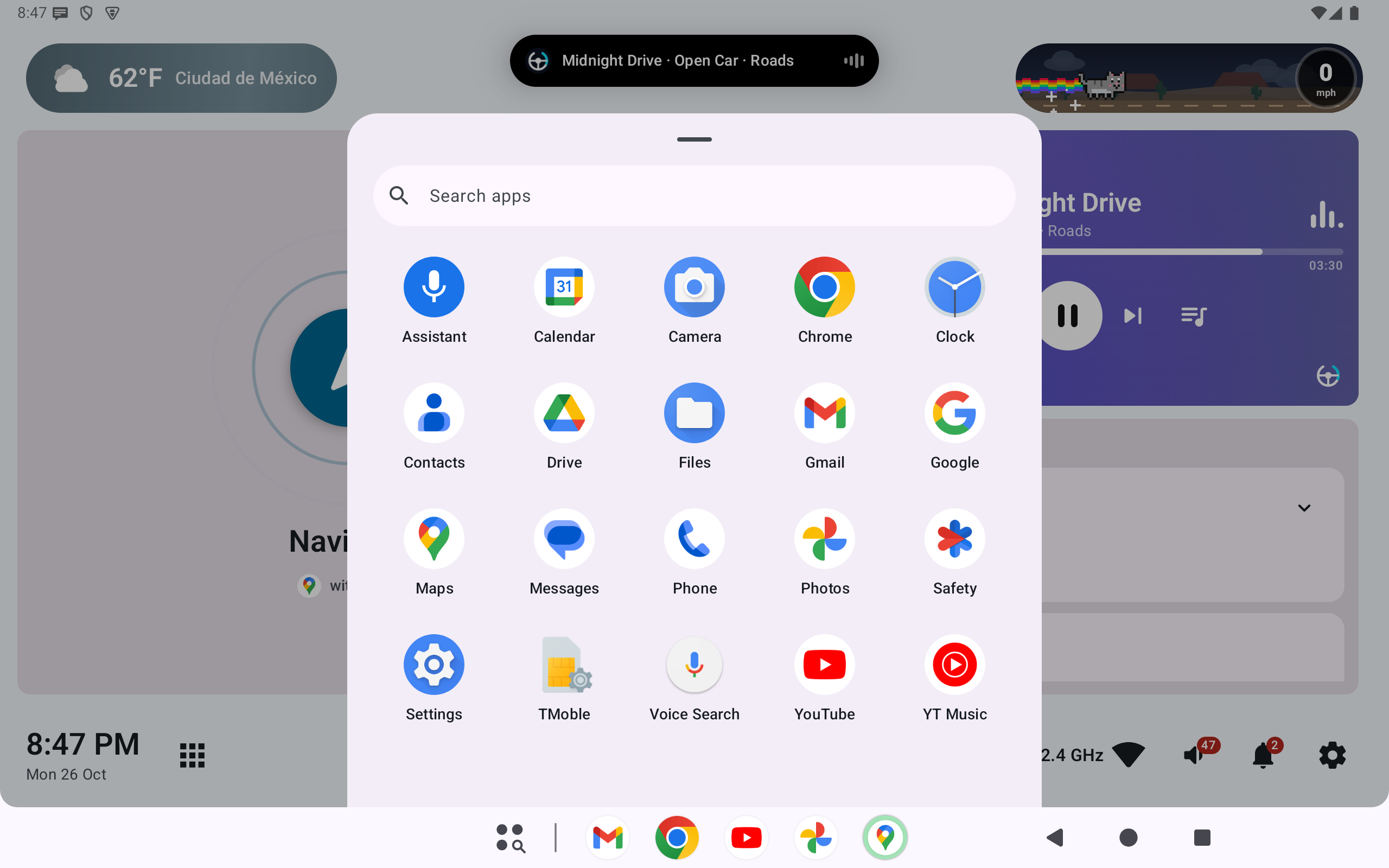
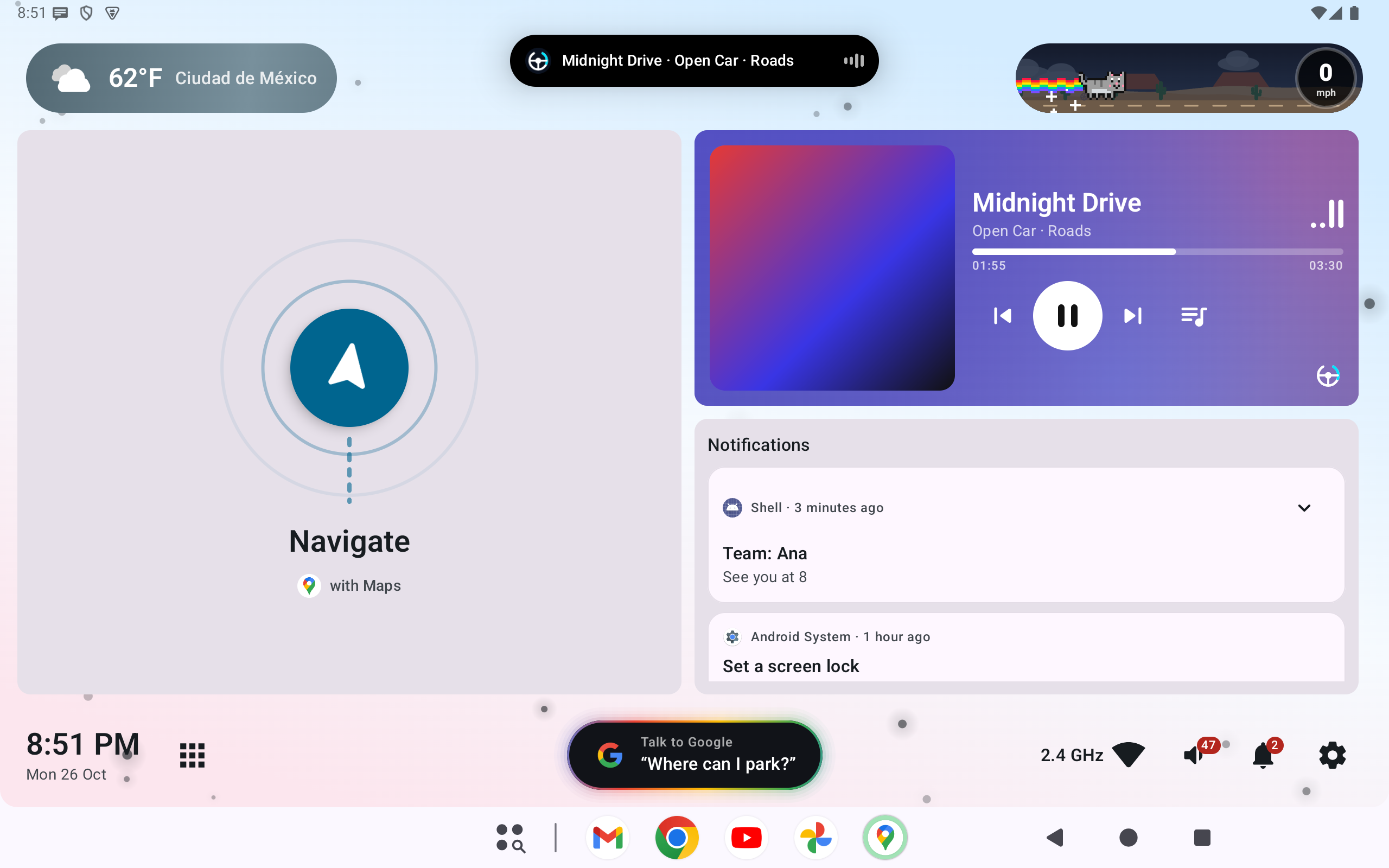
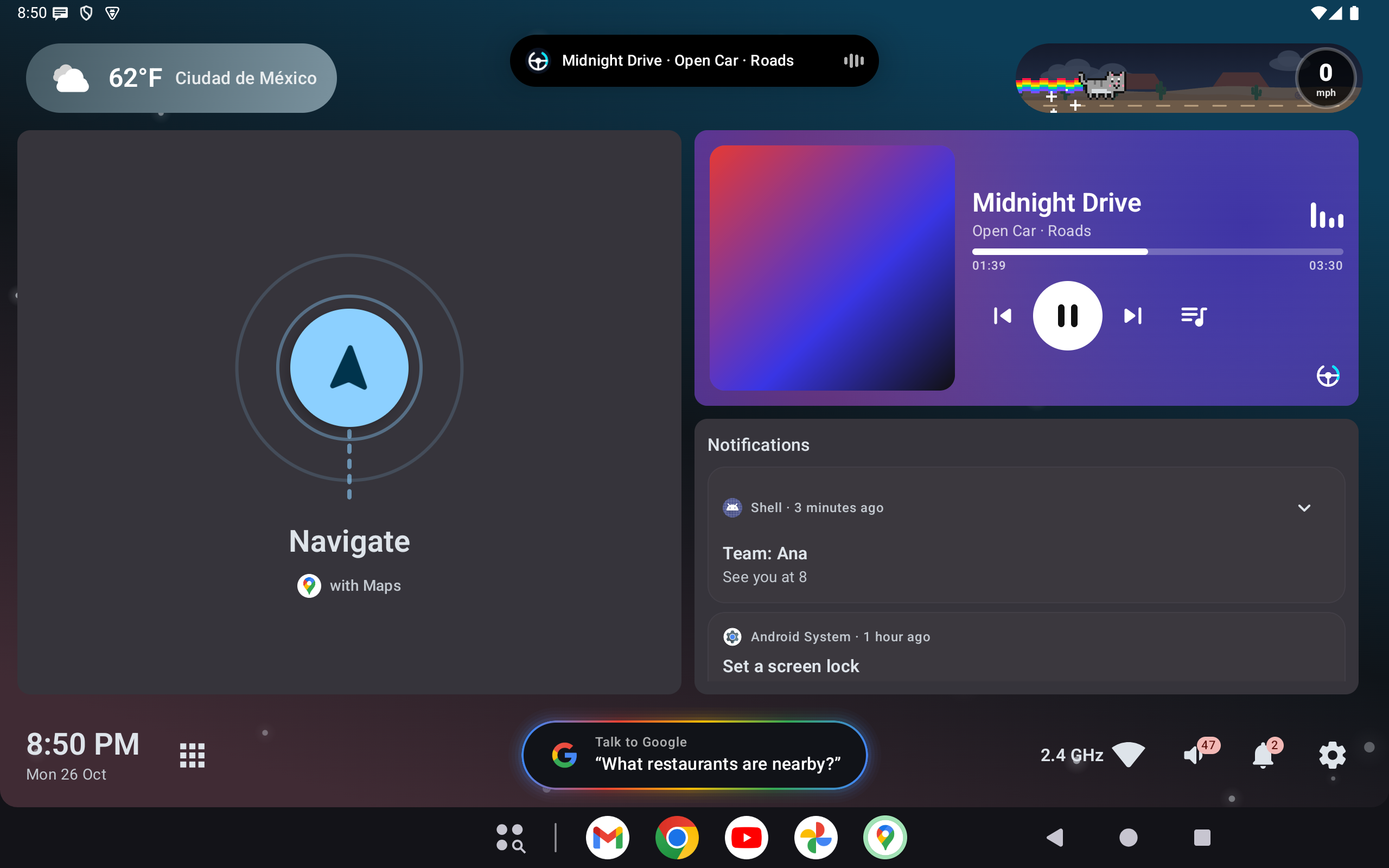
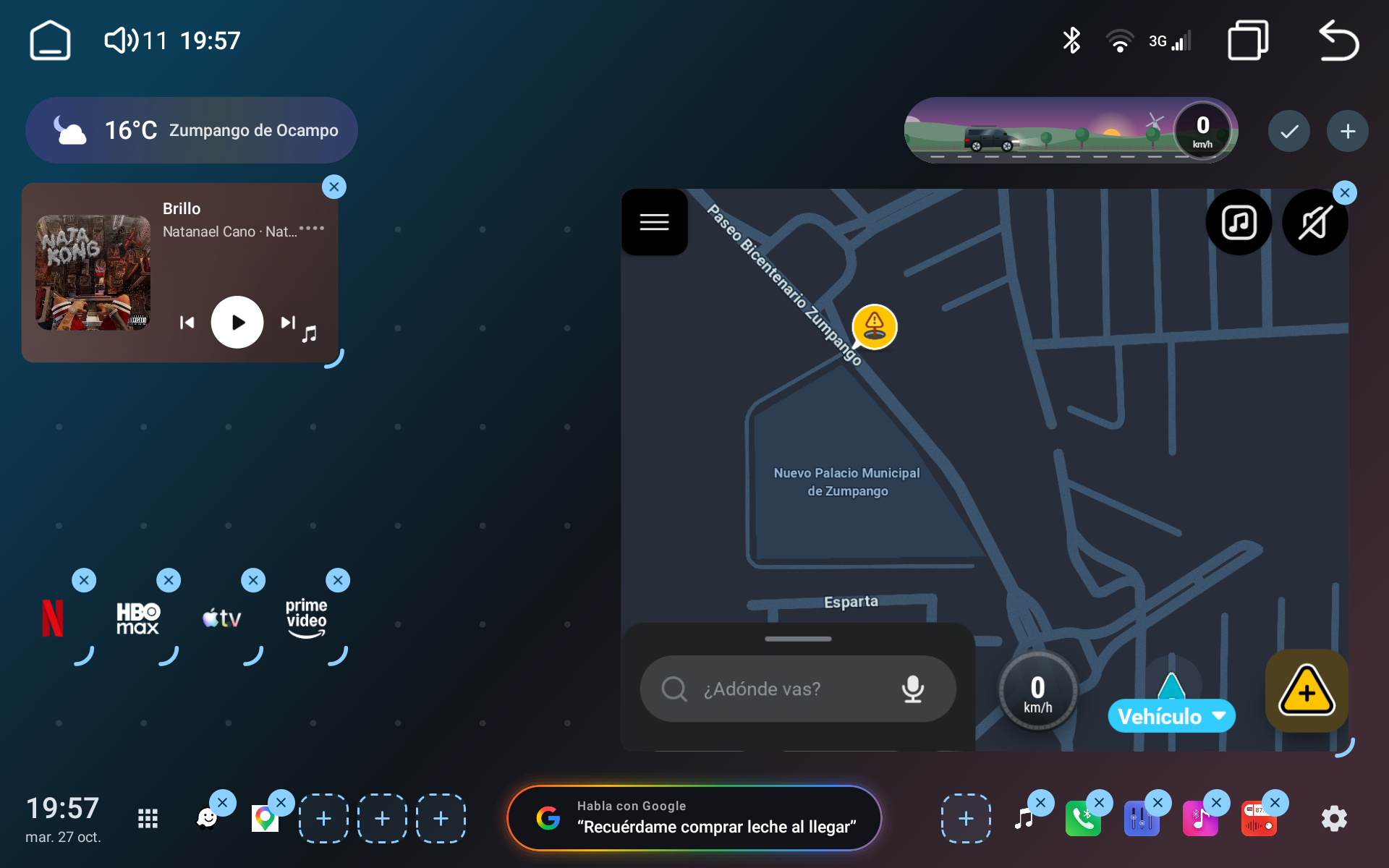
Long-press to move, push and resize cards, apps and widgets.
An open-source Android launcher for car head units.
SHA-256
Long-press to move, push and resize cards, apps and widgets.
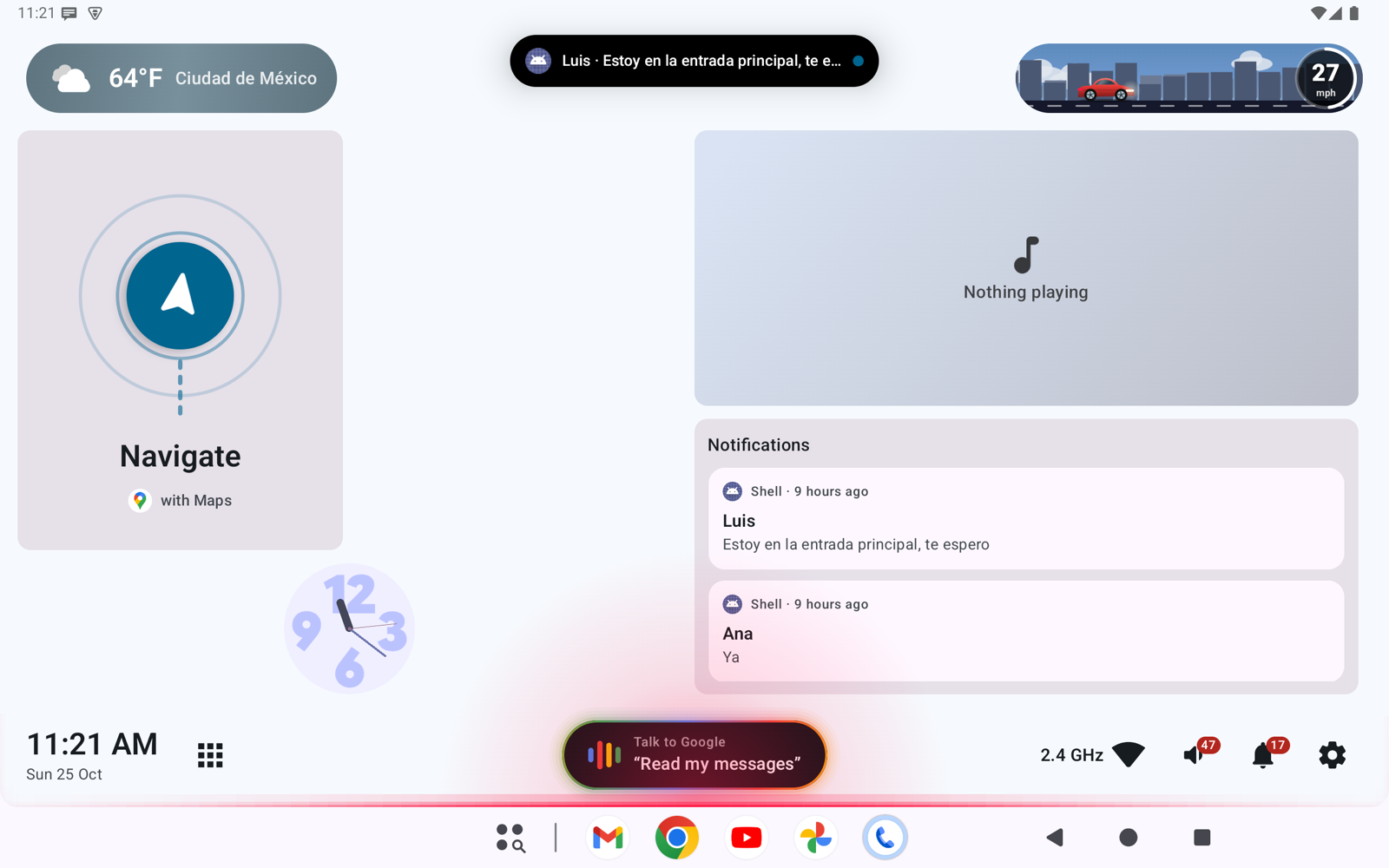
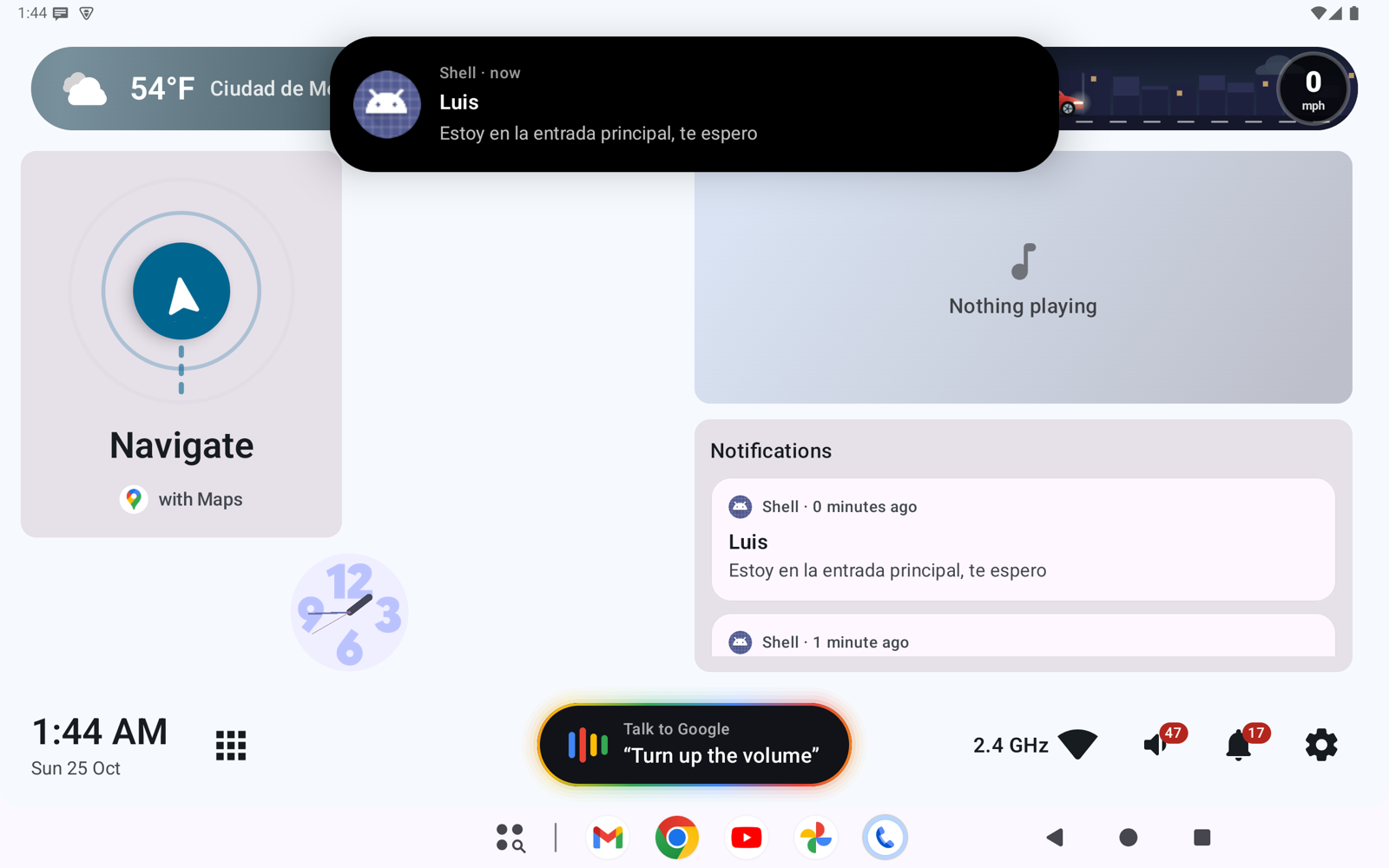
Messages land in a bubble: tap to read and reply, tap outside to hide it.
The screen edge lights up as you turn, speed up or brake.
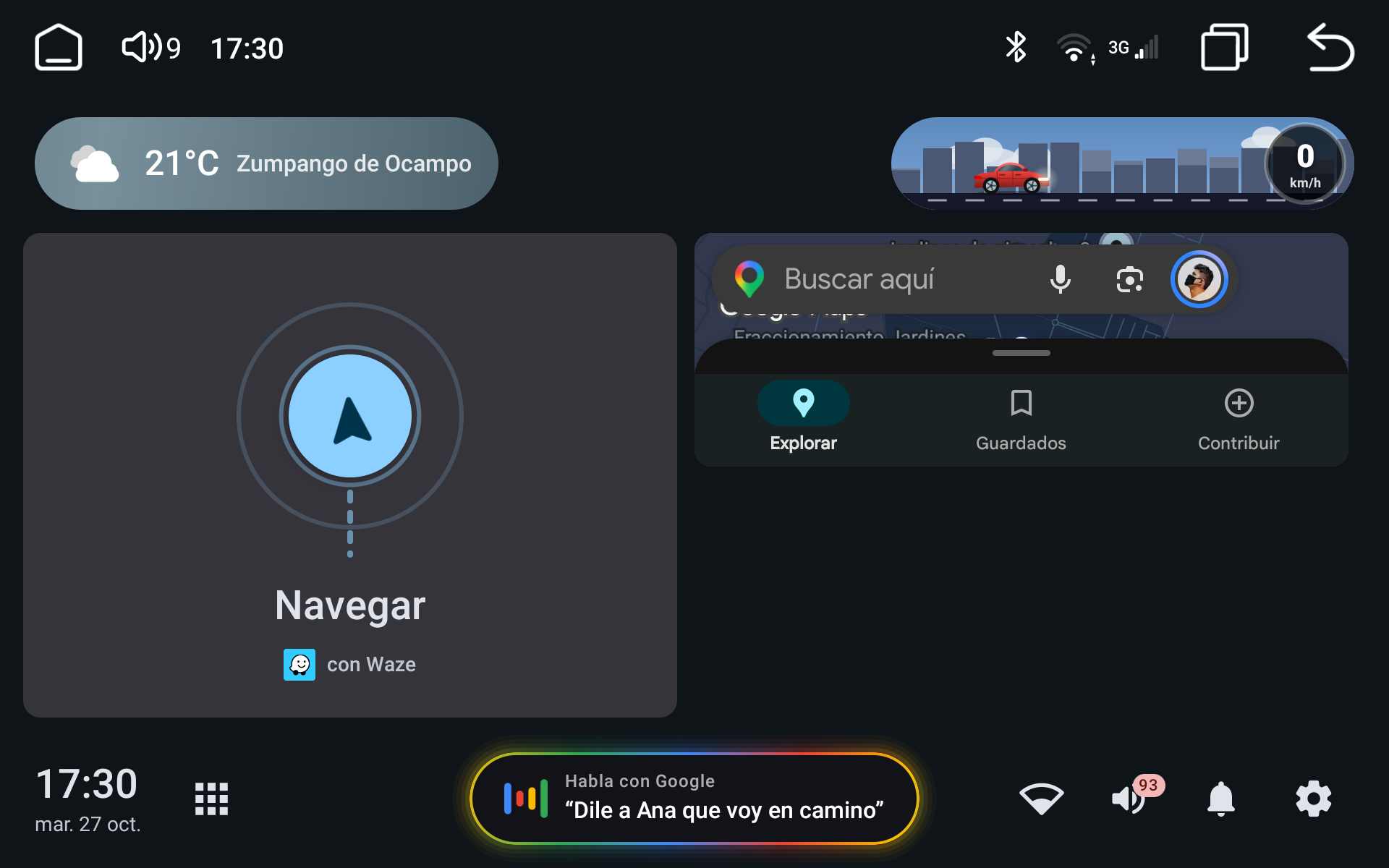
A live skyline that speeds up with you. Floor it and the car turns into a rocket.
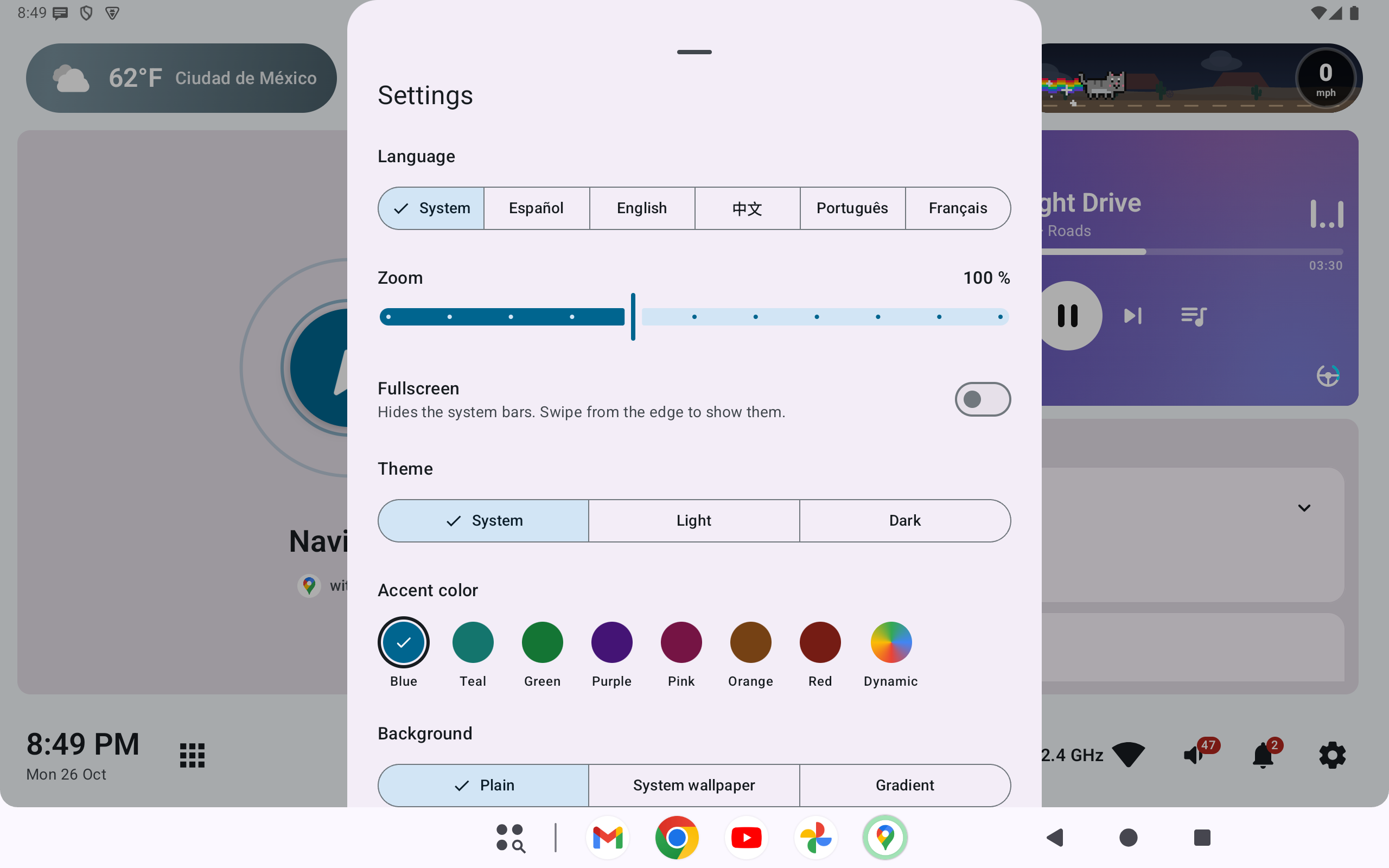
An animated gradient in your accent color, with soft floating particles. Or use a solid color or your wallpaper.
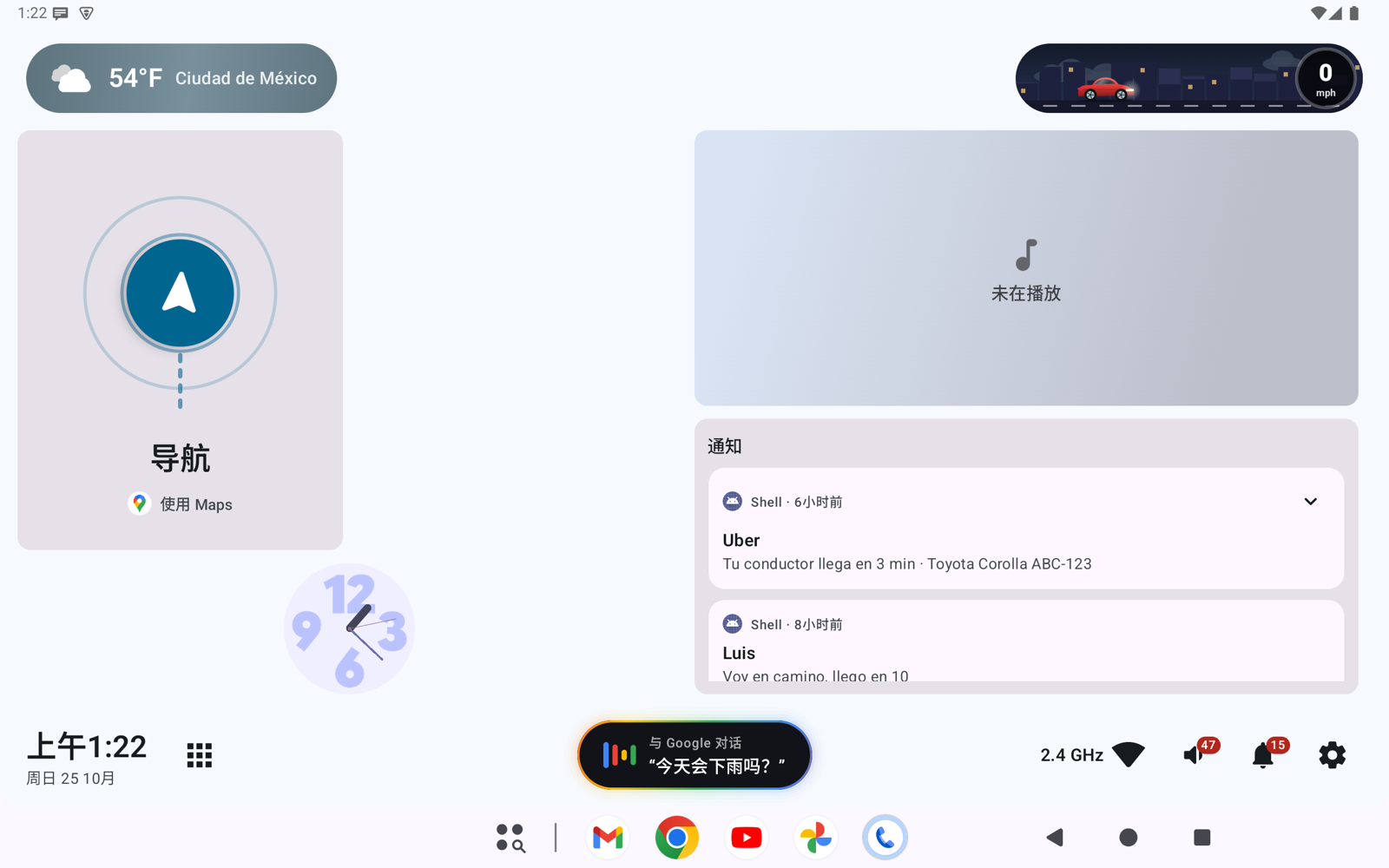
Light, dark or follow the system. Easy on the eyes when driving at night.


Needs JDK 17+ and the Android SDK.
git clone https://github.com/<you>/open-car-project.git
cd open-car-project                      # default branch is develop
git remote add upstream https://github.com/maldos23/open-car-project.git
git config core.hooksPath .githooks      # rejects bad commit messages locally
export ANDROID_HOME=/path/to/android-sdk # or sdk.dir=... in local.properties (never commit it)
./gradlew test lintDebug assembleDebug # same checks CI runs; first run downloads GradleOr skip the build: download the APK above.
./gradlew installDebug
adb shell cmd role add-role-holder android.app.role.HOME org.opencarproject.launcherPowers the media card, notifications and next-turn hints.
PKG=org.opencarproject.launcher
adb shell cmd notification allow_listener $PKG/$PKG.data.source.LauncherNotificationListenerOpen the repo in Claude Code and paste this. You approve every command it runs.
I want to contribute to Open Car Project. Read CLAUDE.md and docs/DEVELOPMENT.md first.
Then, step by step, asking before you install or download anything:
1. Detect my OS/CPU and check JDK 17+, ANDROID_HOME (or sdk.dir in local.properties) and the SDK packages
   platforms;android-37.0, build-tools;37.0.0, platform-tools, emulator. List what is missing with the exact fix command.
2. Run `git config core.hooksPath .githooks` and confirm I'm on an up-to-date develop.
3. Use the run-tests skill to run `./gradlew test lintDebug assembleDebug` and explain any failure in plain words
   (test name + assertion, lint file:line). Don't fix anything without my OK.
Never commit local.properties, push, or change GitHub settings. End with a checklist: ready / still needs me.
Skills and agents that ship with the repo